Subsequent ones were designed by UI designers, and opinionated senior managers, who already knew how to use them, and took out usability features to make them "look nicer". This sort of worked when the opinionated manager was Steve Jobs. Most managers are not Steve Jobs.
> in some applications they seem to have taken extra steps to make it difficult to find the line to grab
Pet peeve of mine in Windows where the line is at most one pixel now. They also took away the coloured distinction between title bars for the active window, so you don't know where keystrokes are going to go.
But we did gain some nice things!
- Tabs.
- Titlebar buttons and other space-saving measures.
- Document editors remembering unsaved changes.
- Forms that validate on focus lost, instead of submission.
- Ctrl+P menus to fuzzy-search all actions and settings.
- Easy syncing (if I open Spotify on any device I'll see the same playlists, my clipboard is shared between phone/desktop/notebook, Immich integrates local and remote media, etc).
- Program-specific URL protocols, so that you can click on a link and have it open in a separate program (like `steam://open/games`).
Ubuntu is great for resizing - alt + middle click anywhere on the window. If only other OS'es could do the same.
At first glance it looks like this is much more breadth over depth. Quite an array of systems here.
gsettings set org.gnome.desktop.interface overlay-scrolling false
GEM + Ventura Publisher http://www.typewritten.org/Media/Images/ventura-publisher-1....
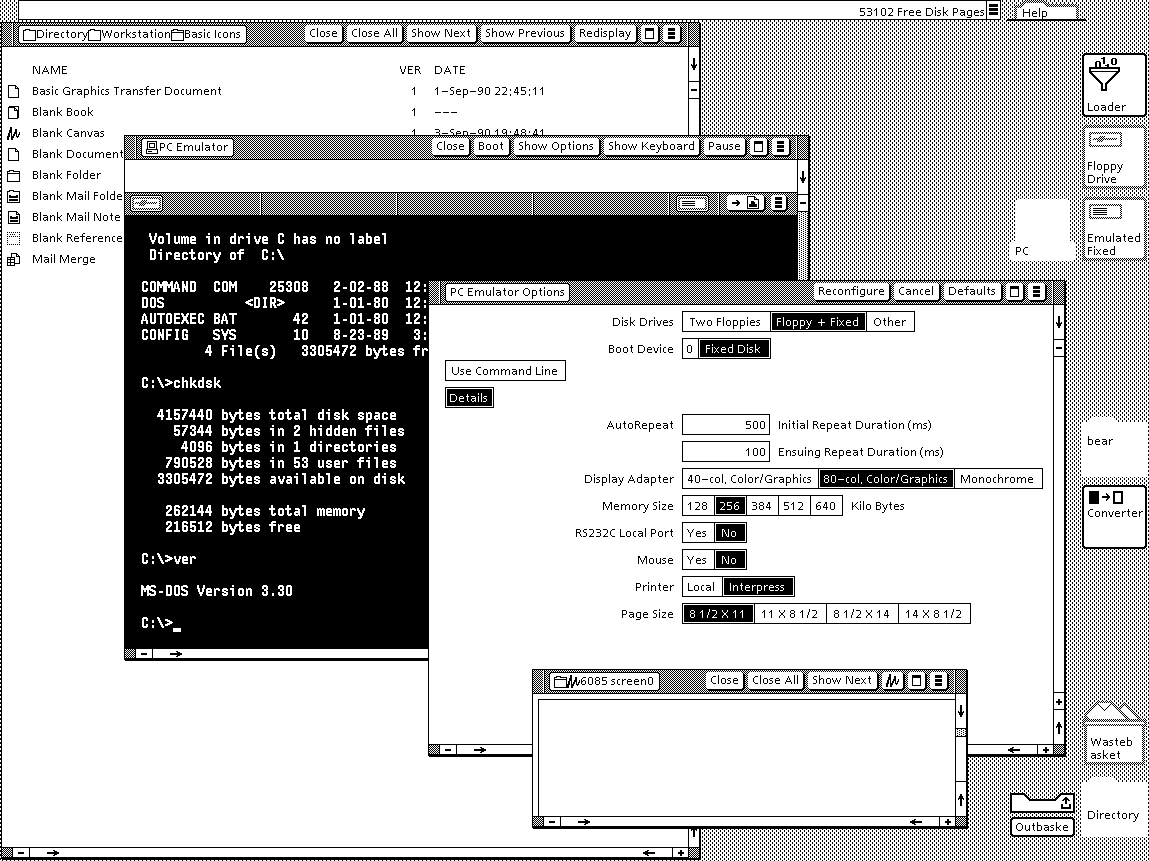
Viewpoint http://www.typewritten.org/Media/Images/6085-viewpoint-2.0-p...
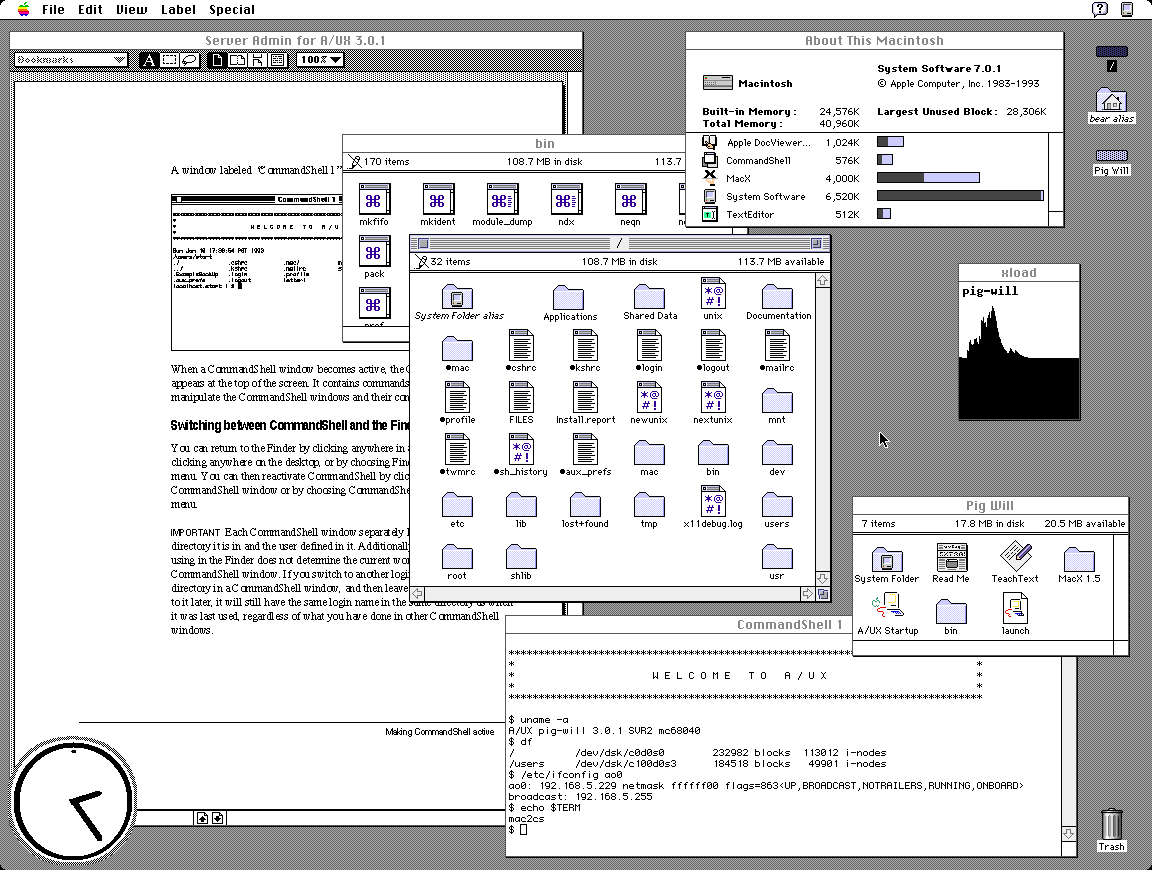
AUX http://www.typewritten.org/Media/Images/aux-3.0.1.png
It's suprising at first look that GEM tops my preferences but I recall having a very fond time on the Atari ST 520+. It had one of the best b/w monitors and TOS+GEM was orderly and uncluttered.
Only preemptive multitasking and per-window menus were missing. As a plus, the OS was in ROM, so boot times were <1s.
https://en.wikipedia.org/wiki/GEOS_(8-bit_operating_system) https://en.wikipedia.org/wiki/Berkeley_Softworks
For the people that didn’t live through this time, lining these images up makes it obvious why those that did speak of how visually impressive the Amiga was.
Except missing that sock and falling down into the dog's path and understanding the concept of fighting like cats and dogs.
I just found out that the theme song is on Wikipedia.
It's one of my favourite things, looking at and analyzing older interfaces. Some are lovely, some are cute, some are ugly, but most are... "naïve"? I love to think about the effort, the research, the trials and tribulations. I feel I will spend a great deal of time in this page!
First and foremost to me those screenshots are somewhat disappointing as they can't match my memories. NeXT, BeOS, Irix, OpenLook, SunOS, Arthur (imagine the diversity)... they were SO awesomely impressive at insanely high multi-sync CRT resolution.
Reality simply can't match the mind's eye, at least not for me.
One that does seem to be an odd man out is Genera. What a concept.
Certainly it doesn't feel any easier to manage multiple windows than when we had a quarter of the screen space.
When I first saw Win95 with a cleared desktop, I immediately thought - where has everything gone? Why is this empty? Decades later I still think it's cumbersome to have to look and press at bottom left to see all the programs every time.
[1] proportions and locations can be set
Also, a "sweep" button that quickly clears the desktop into a "desktop archive." I do that manually anyway with my own "sweep" folders. Every few months I delete and categorize within the sweep folder. Keeping the desktop clean and organized is the new frontier, especially as screens become smaller and people don't want to lose flow.
Verbose response, but what are your thoughts? Maybe use voice recognition that uses lip-reading through a camera to launch or modify?
Mice and keyboards are just so passe, right, but I wouldn't go so far as getting a brain chip? Maybe a spherical "touchball" that senses the pressure of each finger to move a cursor? Trackballs are too laborsome. I have my mouse on maximum sensitivity and acceleration anyway.
> Maybe use voice recognition that uses lip-reading through a camera to launch or modify?
This feels like the result of a competition to design the worst possible user interface. To about 5% of people it might be an accessibility feature, to everyone else it's worse, and people with beards, marks, or dark skinned faces are going to find it a disaster.
True, it's not a good solution and there is Subvocal Recognition (SVR) that detects electrical signals in the neck or jaw using pads. Hall effect keyboards are pretty good in terms of sensitivity I find.
Lip reading by HAL was also a disaster for Frank Poole.
Maybe a large screen that can easily be flipped vertical/horizontal would work well. People already do it with the their smartphones - why not stationary screens? Have the OS detect when it happens so it can make any predetermined layout changes. Maybe have it rotate using a small motor? Cable connections into a base unit to avoid entanglement.
In terms of screens - I think two volume dials to adjust for brightness and another one for blue-light would be ideal. It should be super easy to do at a hardware level. On 24 hour programs if really pedantic. Maybe an external "volume dial" pad that can be plugged into a USB-C would be suffice and it could have a light and movement sensor as well to take a computer out of (and into) suspend and set the desired brightness according to the environment.
There are rechargeable closet lights that already have movement and light sensors - just need to adapt it to a screen.
However, that paradigm made computers daunting for anyone who wasn't an enthusiast. While I’m nostalgic for that level of transparency, I recognize that those hurdles stood in the way of mass adoption.
We might lament how 'dull' or 'abstracted' modern software feels, but technology's primary purpose is utility, not just to be venerated as an artifact.
THAT SAID, I still believe that user-friendliness isn't an excuse to strip away agency.
Modern simplification shouldn't feel like a forced lobotomy of the OS (or any piece of software really). There’s no reason we can't have both: an interface that stays out of the way for the average user, while providing total control for power users.
Whatever happened to progressive disclosure?
Historical workstation desktop interface screenshots - https://news.ycombinator.com/item?id=36191713 - June 2023 (55 comments)
Retrotechnology – PC desktop screenshots from 1983-2005 - https://news.ycombinator.com/item?id=15968745 - Dec 2017 (58 comments)
I also hope to see resurface binaries/sources of other server implementations, Sun Symbolic Programming Environment (which was originally developed at Schlumberger, including LispScript), the sources of the PdB compiler, CMU Andrew wm (although is not directly related, is the ancestor of this window system, from the same authors), and whatever is related to this system.
It would be interesting a revival like Interlisp.
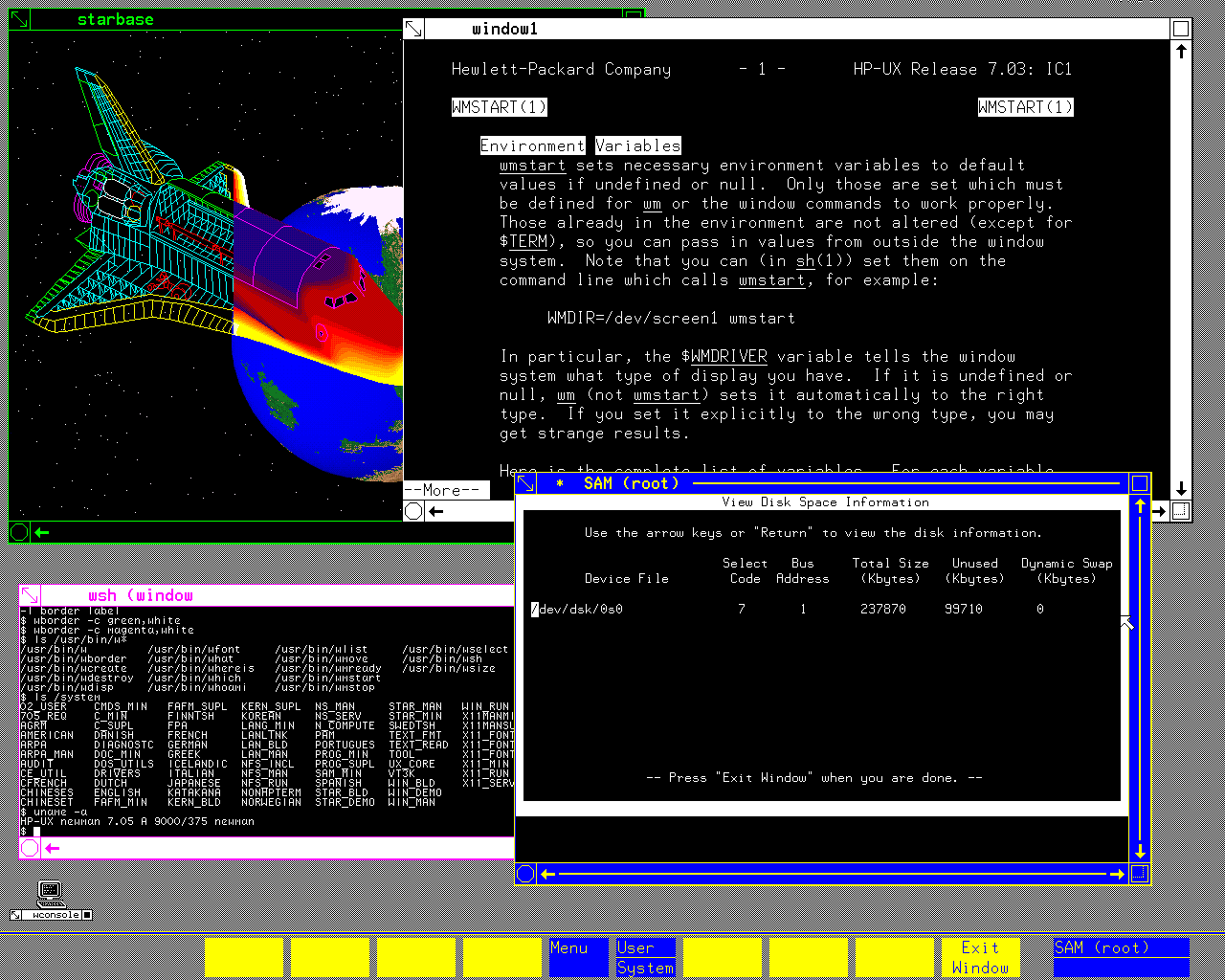
There is a `man` entry displayed in a terminal window there. The first Unix I've ever touched was HP-UX on an HP-9000 (server series, not the workstation one), and I have this memory that the underlined words you can see in that manpage as well were actually hyperlinks you can select and would bring you to the relevant section of the manpage that discussed that term. Am I fabricating that memory or is it real? I cannot find any info about it on the Internet.
Any unclean pointer fiddling in C, and the process was terminated by the OS, so the machine was wonderful to use as a development box (especially with Purify installed) for software that would later be run on Windows or Linux.
I eventually bought my own refurbished (and using academic discount) 715 (instead of a car), so I had the fastest machine in our student dorm of anyone I knew, undergrad, grad student or professor. I could just write my Master's thesis when everyone else kept re-installing Windows - the HP never crashed in 6.5 years, which has left me with deep respect for the old-schol (pre-Compaq) HP engineers. The machine (21" color CRT) occupied half of my 9 square metre dorm room, but it also kept me warm.
A recent favorite of mine is this one. Timestamp starts at the final submission being reviewed: https://youtu.be/DxEKF0cuEzc?si=mqE_2vpKDBsMWlKW&t=557
Speaking of the early 2000's, man, Aqua was such a good design. I appreciate the nextstep paradigm and design, but Aqua was just so futuristic, in a good way.
And virtual desktops/workspaces also had that awe-effect back then. Although with multimonitor setups this faded a bit.
NextStep/OSX was the only desktop OS that did not feel like a downgrade from Amiga Workbench
> /tmp/med_16.sixel
... Is that Sinfest? From before the author went weird? If so, then that's certainly a very different way of feeling old than I expected when clicking the link.
P.S.: There's another in "RiscOS 3.71", and "System V Release 4 Amiga Version 1.1" references Penny Arcade. [0]
[0] https://www.penny-arcade.com/comic/2005/01/05/the-merch#
I am also glad to have switched to Linux in 2004 already. Once you have been using Linux for a while, whenever I use windows I am annoyed at how slow it is. Just file copy operations alone and then billion excuses windows developers make, trying to copsplain why it is so slow. When I have to backup 30GB, I don't want an explanation why it is slow - I simply use what is faster. And that's just one advantage of many more Linux has. (I use the commandline most of the time though, so KDE and GNOME are IMO just pointless eyecandy these days.)
To me they look unwieldy, heavy and overwhelming and I can't help but think the love for them is just the love for youth or whatever
That person’s gonna be very rare, while lots of over-25s have that experience.